- Apps
- Premium
-
VPN Locations
- Help
- Sign up
- Sign in
Proxy or VPN? Here's the Real Difference
Contents
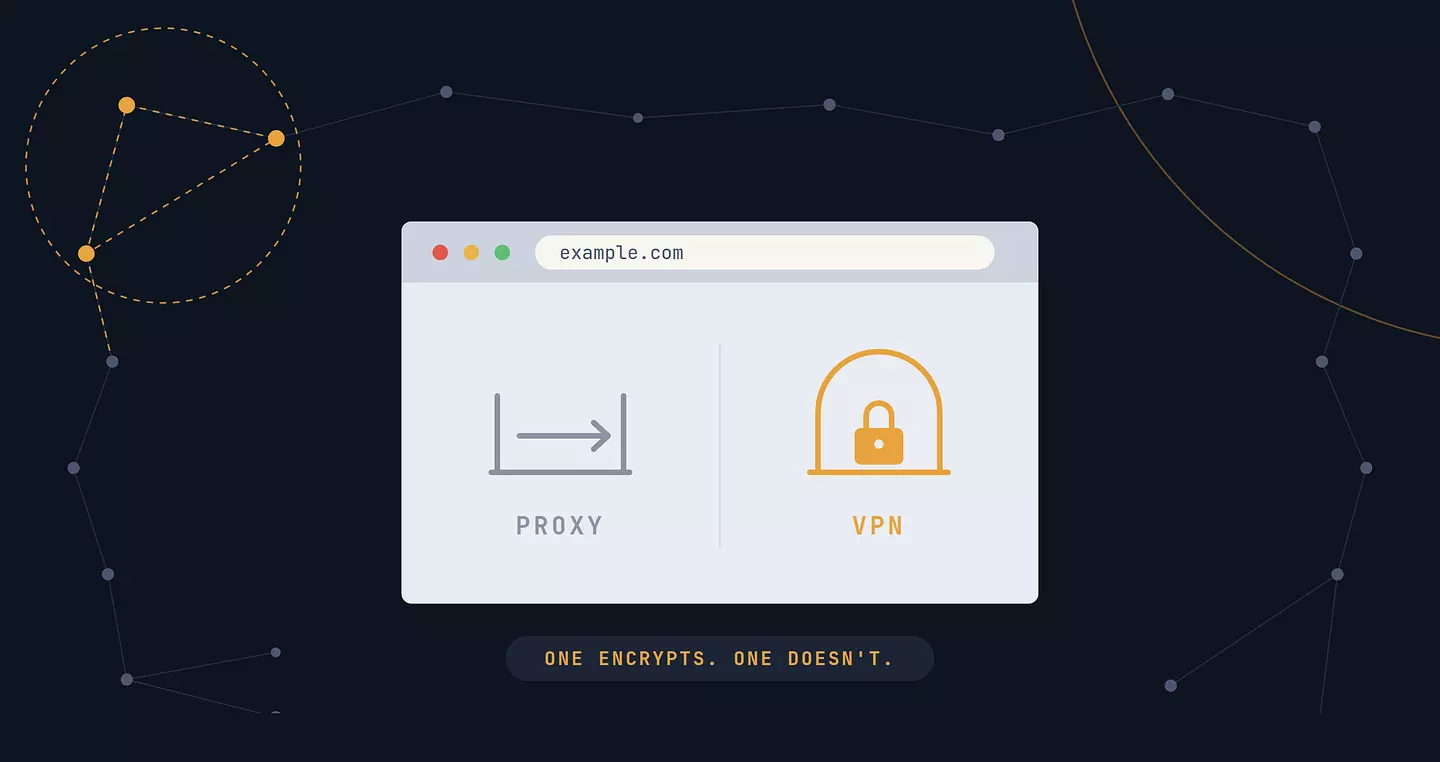
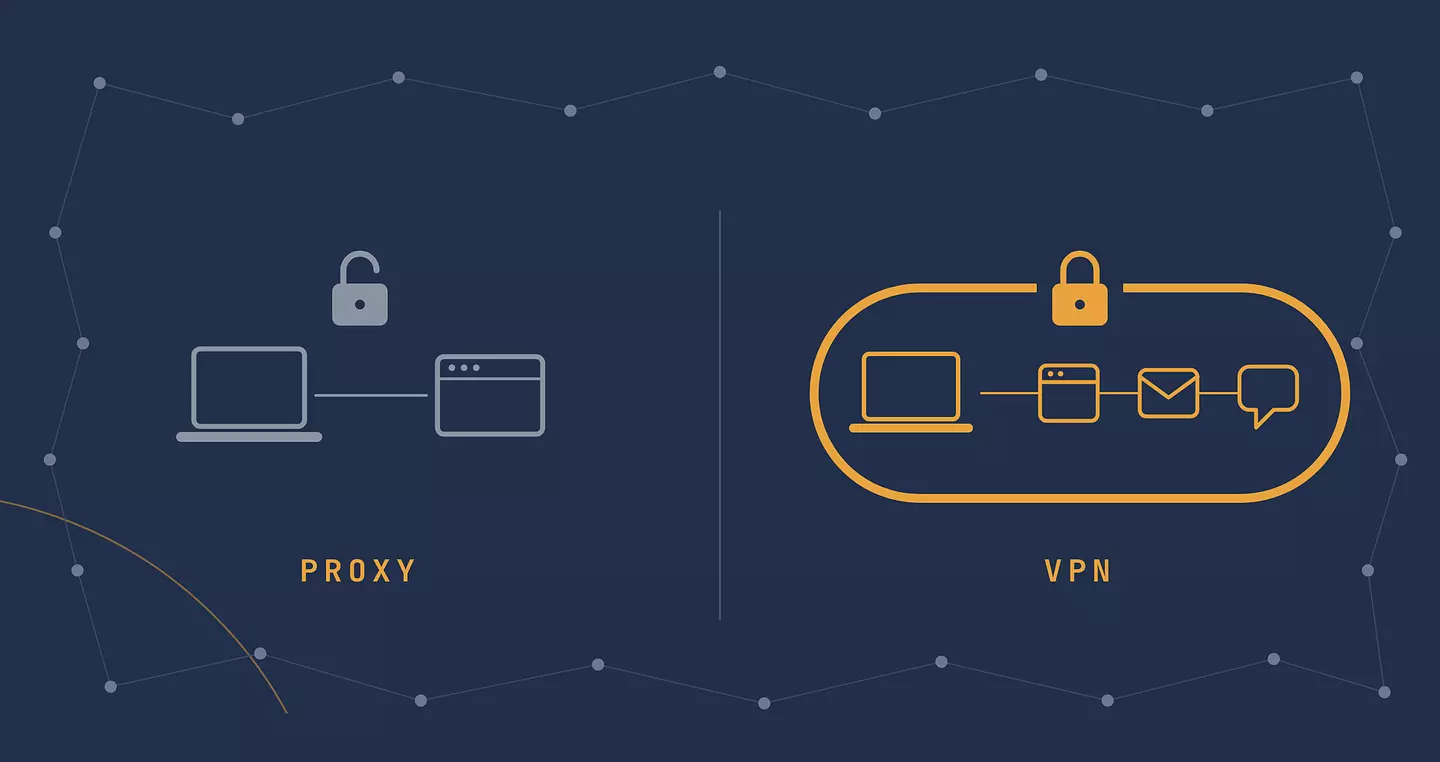
A proxy routes your traffic through another server but leaves it unencrypted. A VPN encrypts your traffic between your device and the VPN server, so your ISP and public Wi-Fi can't monitor your online activities.
But "encrypts" is doing a lot of work in that sentence, so let's actually dig into what each one does, where they overlap, and when a proxy is genuinely the better tool for the job (yes, really).
What a proxy does
A proxy server sits between your app and the website you're visiting, and forwards your request on your behalf. The website sees the proxy's IP address instead of yours, which is the whole point: it's a quick way to look like you're browsing from somewhere else.
Two things to know about proxies. The big one: most proxies don't encrypt anything. Your traffic still travels in plain sight, just routed through a different address first. A free proxy you found on some list floating around the internet can technically read everything passing through it, since nothing stops it from doing so. The second is narrower but still worth knowing: a proxy only works in the app you configure it in. Set one up in your browser and your torrent client carries on exactly as before.
There are a few common flavors. HTTP proxies only handle web traffic, so they're what most "change my browser's IP" tools use. SOCKS5 proxies work at a lower level and don't care what kind of traffic passes through, which is why torrent clients and gaming apps sometimes support them directly. Either way, the practical takeaway is the same: fast, single-app, no privacy guarantee.
How a VPN works
A VPN encrypts your traffic between your device and the VPN server, so your ISP and café Wi-Fi can't see which sites you visit.
Here's what that looks like in practice. Your data gets scrambled before it leaves your device, travels through the tunnel, and is decrypted at the VPN server before going on to the site you asked for.
Your ISP can still see that you're connected to a VPN, they just can't see what's inside. VPNs handle the encryption with up-to-date protocols, which is why the speed cost is much smaller than it used to be.
Keep in mind that the encryption protects you from everyone on the network, but not from the VPN provider itself. That's one more reason why the VPN service you pick matters, choose the one you trust.
Proxy vs VPN at a glance
Proxy | VPN | |
|---|---|---|
Encryption | Usually none | Yes, full tunnel |
Scope | One app you configure it in | Browser or whole device, depending on format |
Speed | Often faster (no encryption overhead) | Slight speed drop, but modern protocols keep it minimal |
Privacy from your ISP | No | Yes |
Typical use | Quick geo-check, scraping, one-off access | Everyday browsing, public Wi-Fi, streaming, torrenting |
When a proxy is the right call
Don't let anyone tell you a VPN is always the better choice. If you just need to check how a website looks from another country for five minutes, or you're running a script that needs a different IP for each request, a proxy is faster to set up and does exactly that one job without any extra overhead. You don't need bank-vault security to peek at a geo-restricted webpage.
When you need a VPN instead
The moment your privacy actually matters, a proxy stops being enough. Connecting to your bank on airport Wi-Fi? Streaming something outside your usual, um, extremely legal viewing habits? Torrenting? Just generally not wanting your ISP to log every site you visit? That's VPN territory.
Public Wi-Fi in particular is worth calling out. Most hotel and café networks don't encrypt anything by default, which is exactly why the FTC recommends using a VPN any time you're on one you don't fully trust. We've gone deeper into what actually happens on public networks in our piece on Wi-Fi and VPN safety, worth a read if you're a regular airport-Wi-Fi user.
The common myth: "aren't they basically the same thing?"
Not quite, and the mix-up is understandable since a VPN technically works through a kind of encrypted proxy. But treating them as interchangeable is where people get burned: someone grabs a free proxy expecting VPN-level privacy, and instead their unencrypted traffic is sitting there for the proxy operator (or anyone snooping the same network) to read. A proxy changes where you appear to be. A VPN changes who can see what you're doing. Different jobs, different tools.
FAQ
Is a proxy the same as a VPN?
No. Both hide your IP address by routing traffic through another server, but a proxy usually only handles traffic from one app, like your browser, and often doesn't encrypt it. A VPN works at the device level and encrypts everything you send, which protects you from your ISP, network admins and anyone snooping on public Wi-Fi.
Is a proxy or a VPN better for privacy?
A VPN. A proxy changes your visible IP, but your traffic often travels unencrypted, so your ISP or anyone on the same network can still see what you're doing. A VPN wraps your connection in an encrypted tunnel. If privacy is the main goal, especially on public Wi-Fi, a VPN is the safer choice.
Is a proxy faster than a VPN?
It often is, but only slightly. Proxies skip the encryption step, so they add less overhead. A modern VPN on a nearby server usually slows you down very little, though. In practice, server distance and load matter more for speed than whether you use a proxy or a VPN.
When should I use a proxy instead of a VPN?
Use a proxy when you need a different IP for one specific task and don't need encryption, for example checking how a website looks from another country, getting around a simple regional block in your browser, or web scraping. For banking, public Wi-Fi or anything sensitive, use a VPN.
Do I need both a proxy and a VPN?
For most people, no. A VPN already does what a proxy does and also adds encryption. You can chain them, but that usually just slows your connection without making you much safer. The exception is advanced setups, like managing several accounts or scraping at scale, where people use proxies for specific tasks and keep a VPN running for general protection.
Cite this article
Browsec. "Proxy or VPN? Here's the Real Difference." Browsec Blog, August 19, 2026, https://browsec.com/en/blog/proxy-vs-vpn.