Can't find our iOS app? Learn how to download and update

Roblox Free VPN

Play Roblox no matter where you are! Connect with our VPN and jump into your favorite Roblox worlds without limits or interruptions!

  • Play Roblox effortlessly with Browsec VPN!
  • High-speed servers in over 40 countries
  • Top security and protection guaranteed

How to Play Roblox with a VPN

Do you want to play Roblox but you’re traveling abroad, on a restricted network, or facing regional limitations? No worries. Bypass access issues easily with Browsec VPN.

Step 1
Download the Browsec VPN app on your device. It works on smartphones, tablets, laptops, and desktop computers.
Step 2
Choose your preferred location from the list of available countries inside the app.
Step 3
Launch Roblox, log in to your account, and start playing your favorite games.

Want to use Browsec VPN for more, like browsing safely or accessing content on your laptop? Our browser extensions for Chrome, Firefox, Edge, or Opera are ready to make your experience even better!

Play Roblox with Browsec VPN

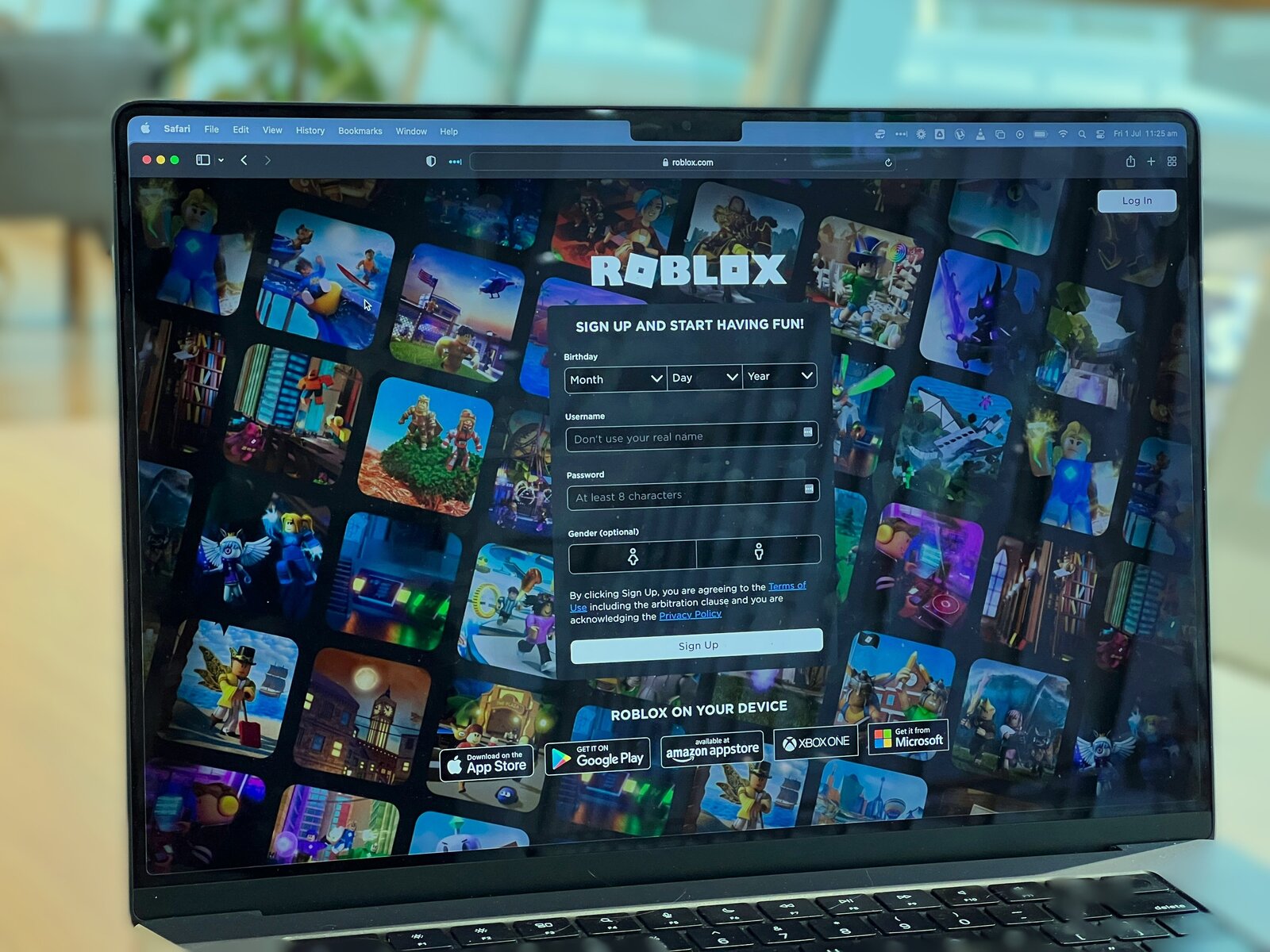
Roblox is one of the most popular online gaming platforms in the world, offering millions of user-created games and experiences for players of all ages. While Roblox is widely accessible, performance, availability, and access can still vary depending on your location and network.

Roblox operates servers across different regions to support its massive global player base of 111M+ daily users. This helps reduce lag and ensure smoother gameplay for users around the world.

But if you are traveling, living in a region with restricted access, using a school or work network, or experiencing slow connections due to server distance, you may face difficulties accessing Roblox or enjoying stable gameplay.

Browsec can help with that. Browsec VPN hides your real location and lets you connect through servers worldwide. With just one click, you can appear as if you’re connecting from another country, bypass network restrictions, and potentially improve connection stability by selecting a server closer to Roblox’s infrastructure.

The Premium Plan takes your gaming experience further by offering access to premium servers with dedicated traffic lanes. This means smoother connections, faster speeds, and fewer interruptions while playing Roblox.

Play Roblox with Browsec VPN

When to Use a VPN For Roblox?

Using a VPN for Roblox can significantly improve your experience, especially in specific situations. Here are some common cases where Browsec VPN can help:

Network Congestion

Network congestion happens when too many users share the same internet connection, especially during peak hours. This results in slower speeds, higher latency, and packet loss.

When networks become overloaded, Roblox gameplay can suffer from delays, lag, or even disconnections, making games far less enjoyable.

Distance From the Server

The physical distance between you and Roblox servers plays a big role in connection quality. If data has to travel long distances, latency increases, which leads to lag and delayed in-game actions.

This can make movements, interactions, and loading times slower and less responsive during gameplay.

Server Issues

Occasionally, Roblox servers may experience maintenance or technical difficulties. These issues can cause connection drops, slow loading, or temporary access problems.

When this happens, players have limited control and usually need to wait until the servers stabilize.
Get More Secure

Why Browsec VPN?

Security
Browsec provides strong protection by scrambling your data to keep it from unauthorized access.
Speed
Keep your browsing smooth with minimal loading times for websites and video streaming.
Ease of Use
Easy to understand and operate, Browsec is suitable for users with any level of technical expertise.
Strong Encryption
Take advantage of our military-grade encryption to protect your data.
Accessibility
With Browsec VPN, you can access content that may be restricted in your area.
No Registration Needed
Using our VPN doesn't require signing up or logging into your account.
Free VPN Service
Our VPN is free, so you can enjoy unlimited online freedom without spending a dime.
Multiple Virtual Locations
Choose from over 40 locations to suit your needs.
Anonymity
We help you stay anonymous, providing much-needed privacy in the virtual world.

Does Roblox Work With a VPN?

Yes! Using a VPN with Roblox works perfectly and can help ensure smoother and more reliable gameplay. That said, not all VPNs provide the same quality or stability.

Browsec VPN is designed to deliver fast, secure, and stable connections, helping players stay connected no matter the network conditions.

With regularly updated infrastructure and secure servers, Browsec VPN can help you enjoy Roblox without unnecessary interruptions.

Should I Use a Free VPN To Play Roblox?

If you want to play Roblox without spending extra money while still protecting your connection, a free VPN can be a practical option.

Browsec VPN offers both free and paid subscriptions, giving players flexibility depending on their needs. Whether you play casually or spend hours exploring Roblox worlds, there’s a plan that fits.

The Premium Plan unlocks unlimited bandwidth, premium servers, and consistently fast connections, all while strengthening your online privacy.

Free
$0.00 per month
  • Military-grade encryption
  • No ads
  • 1000 Mbit/s
  • 1,000+ servers in 46+ countries
Works in Chrome, Firefox,
iOS and Android
Premium
Only $2.99 per month
  • Military-grade encryption
  • No ads
  • 1000 Mbit/s
  • 1,000+ servers in 46+ countries
Risk Free Money-Back Guarantee 7-Day

Compare with another VPN

Browsec
Most free VPNs
No ads
Number of countries with servers
46+
< 10
Customer support
Compatible devices
Tracks your online activity
Never
Maybe
Simultaneous connections
5
1
Custom VPN protocol
Xray/IPsec
None

Frequently asked questions

Can I use Browsec VPN on multiple devices?

You can connect up to 5 devices to a single account. When using the browser extension, each browser with Browsec installed counts as a separate device. If you need to use Browsec on more than five devices, please contact support.

How do I update Browsec VPN app?

To maintain optimal performance and security, always keep Browsec VPN up to date. Updates are available through your device’s app store, Google Play Store for Android and Apple App Store for iOS. If an update is available, simply tap the “Update” button.

Does using a VPN affect my internet speed while playing Roblox?

A VPN can sometimes impact speed due to encryption and server distance. However, Browsec VPN is optimized for high-speed connections, especially when you choose a nearby server or use the Premium Plan with access to 1000+ servers across 43 countries.

Can I switch server locations while playing Roblox with Browsec VPN?

Yes, you can change server locations at any time in the Browsec VPN app. It’s best to switch servers before launching Roblox to avoid possible interruptions during gameplay.

Can I use Browsec VPN with other games besides Roblox?

Definitely! While this guide focuses on Roblox, Browsec VPN works with most online games and is also useful for secure browsing and accessing geo-restricted content.

How can a VPN help reduce lag in Roblox?

A VPN can help reduce lag by optimizing your network route, avoiding congested networks, and potentially shortening the distance between your device and game servers. It can also prevent ISP throttling that may slow down your connection.

Can I get banned for using a VPN in Roblox?

A VPN can be a useful tool for improving your privacy and security online. However, it must not be used to bypass Roblox’s Terms of Service, evade platform restrictions, or take part in any unlawful activity. When accessing Roblox, always follow the platform’s rules and applicable laws, and use a VPN responsibly and within these boundaries.