- Uygulamalar
- Premium
-
VPN Konumları
-
Yardım
- Kayıt
- Giriş
What is a VPN, and What it Can Do
İçindekiler
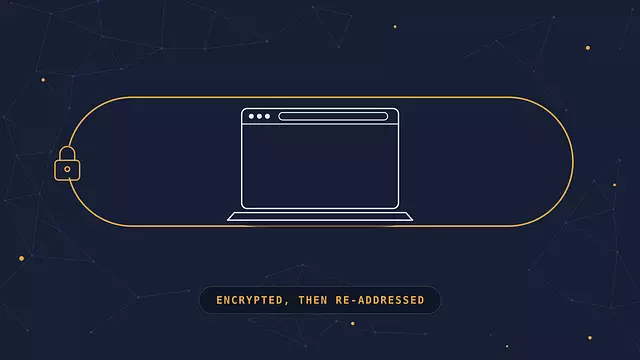
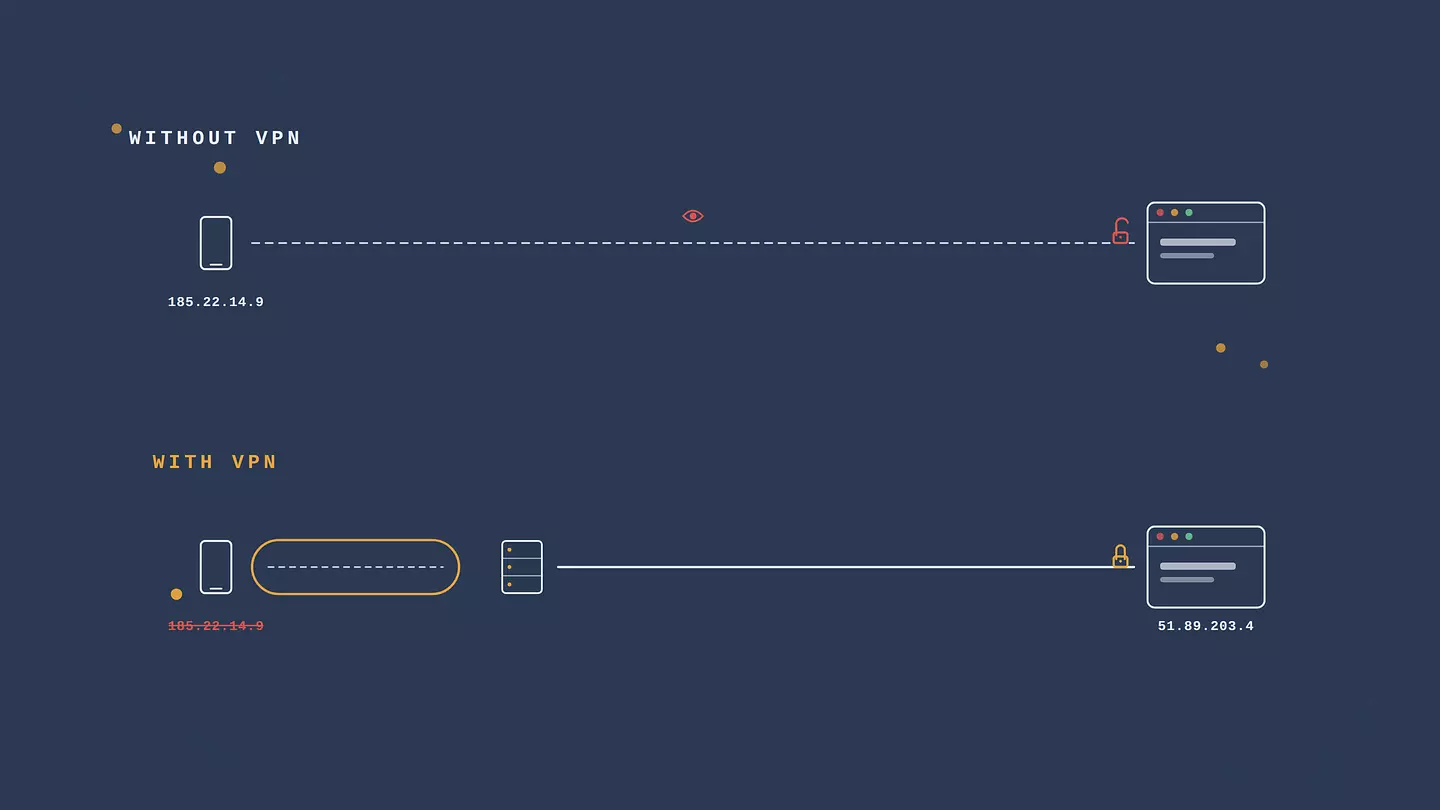
A VPN, short for virtual private network, sends your internet traffic through an encrypted connection to a server run by the VPN provider. From there it carries on to the websites and apps you are using. Two things change as a result. The sites you visit see the VPN server's address instead of your real one, so your IP address and rough location are hidden from them. And anyone watching your connection, your internet provider, the owner of the Wi-Fi, someone else on the same network, sees only encrypted traffic going to a server, not what you are actually doing. That is the whole idea. Everything else is detail about how well it is done and what it is good for.
VPN, in plain terms
Take the name apart and it explains itself. It is a network, meaning a link between your device and something else. It is private, meaning the traffic on it is encrypted so outsiders cannot read it. And it is virtual, meaning there is no special cable involved, just software building that private link over the ordinary internet.
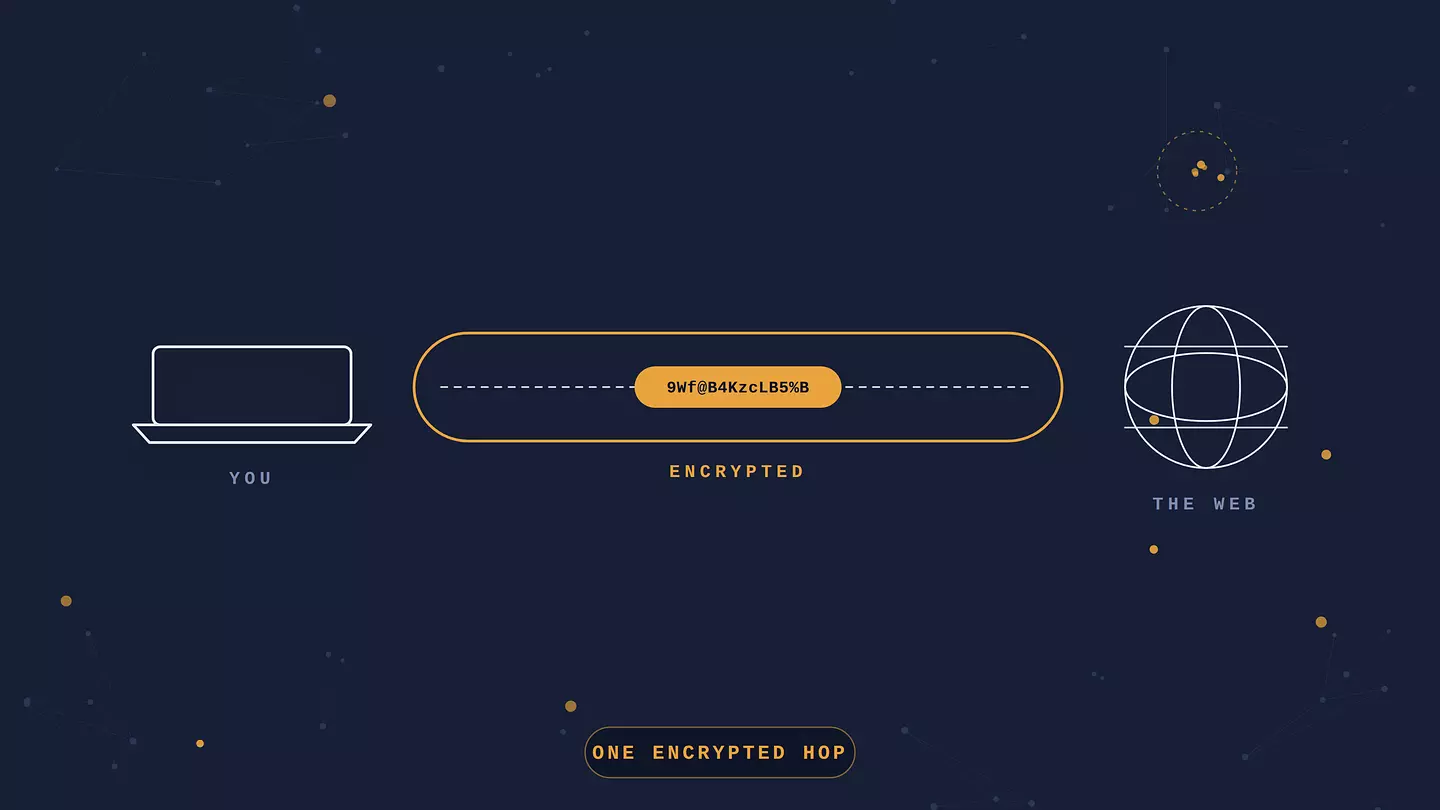
The usual picture is a tunnel. Your data goes in at your device, travels through the tunnel where nobody outside can see it, and comes out at the VPN server. It is a fine image as long as you remember the tunnel is math, not a pipe. The protection is encryption, and it runs from your device to the VPN server. Past that point, from the server to the website, your traffic travels normally again, though now it carries the server's address rather than yours. For the longer version, we break down how the tunnel is built.
It also helps to be clear about what a VPN is not. It is not antivirus and will not stop malware. It is not a cloak of total anonymity, because you still log into accounts, carry cookies, and have a recognizable browser. And it is not the same as Tor, which routes through several volunteer-run relays for stronger anonymity at a heavy cost in speed. A VPN is one company's servers, which is faster and simpler but means you have to trust that company.
How a VPN works
Here is the path your data takes with a VPN on. You open the app and connect to a server. The app on your device encrypts your traffic. That encrypted traffic goes to the VPN server, which decrypts it and forwards it to wherever it was headed. The response comes back to the server, which encrypts it and sends it to you, and your app decrypts it so you can use it. All of this happens in a few milliseconds, per request, the whole time you are connected.
The clearest way to understand it is to think about what each party can see.
Who | What they can see with a VPN on |
|---|---|
Your internet provider or the Wi-Fi owner | That you are connected to a VPN server, and how much data you are moving. Not which sites you visit or what is in the traffic. |
The websites and apps you use | The VPN server's IP address and location. Not your real IP, and not your provider. |
The VPN provider | Potentially the traffic passing through their server, since they do the decrypting. This is why a no-logs policy and a provider you trust matter more than any feature. |
That last row is the catch worth sitting with. A VPN does not make your traffic private so much as move the trust. Your provider can no longer build a profile of your browsing, but the VPN company now technically could. A serious provider commits to keeping no logs, and says plainly in its privacy policy what it does and does not store.
Encryption and protocols
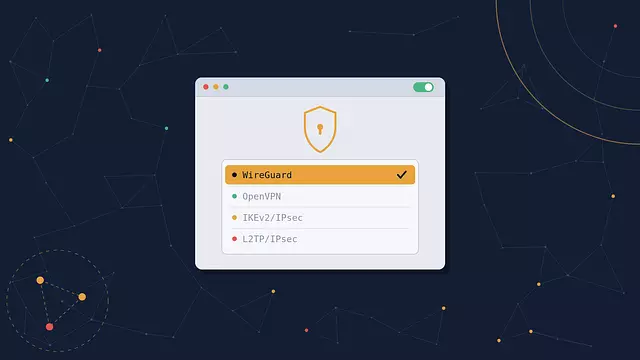
A VPN protocol is the set of rules for how the tunnel gets built and secured. The ones in wide use today are WireGuard, which is newer, fast, and lean; OpenVPN, which is older and slower but heavily tested and trusted; and IKEv2/IPsec, which is good at holding a connection as you move between Wi-Fi and mobile. Most apps pick a sensible default and you never have to think about it. When a connection is slow or keeps dropping, changing protocol is one of the first things to try. There is more in our rundown of the main VPN protocols.
What your IP address gives away
Your IP address is how the internet routes traffic back to you, and it comes with your approximate location, usually down to the city, and your internet provider's name. Sites use it for geo-targeting, for blocking whole regions, and as one signal among many for tracking. Route through a VPN server in another city or country and sites see that server's IP instead, which is what lets a VPN change the content you are offered and get you past location blocks.
What a VPN is used for
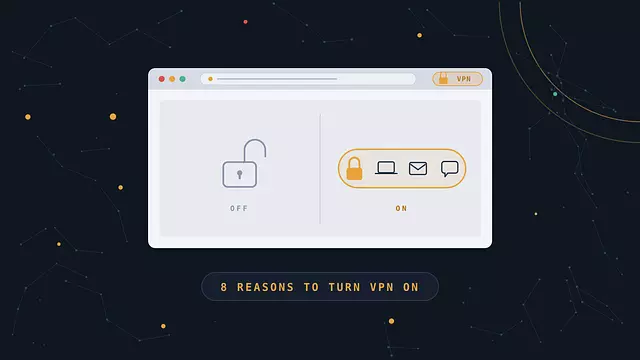
The common reasons people run one:
Staying safe on public Wi-Fi. On an open network, a VPN encrypts everything leaving your device, so a snooping network owner or another user on the same hotspot gets nothing useful.
Keeping your internet provider out of your browsing history. Without a VPN your provider can see and log the domains you visit, and in many countries sell that data or hand it over on request. With one, they see a single encrypted connection.
Hiding your location from websites and advertisers. Not perfect privacy, but it removes one of the easier ways you get pinned down and profiled.
Reaching things that are blocked where you are. A service that is region-locked, a site your network or government filters, your home bank while you are traveling. Connect through a server where the thing works and you are treated as being there, though some services detect VPN addresses and block them.
Checking prices from another location. Some airlines, hotels, and subscription services quote different prices by region, and a VPN lets you see what they show elsewhere. It does not guarantee a cheaper deal.
Torrenting with less exposure. Peer-to-peer sharing broadcasts your IP to everyone else in the swarm. A VPN replaces it with the server's. That is not the same as being anonymous, and it does not make unlicensed sharing legal.
Remote access to a network. The original corporate use, still current: connect to your office or home network from outside as if you were plugged in locally.
If you want these weighed up properly, downsides included, we wrote a fuller case for and against daily VPN use.
What a VPN doesn't do
This is where a lot of marketing gets vague, so plainly:
A VPN does not make you anonymous. Log into Google or Facebook and you have told them who you are, VPN or not. Browser fingerprinting, cookies, and account activity identify you regardless of your IP.
It does not block malware, phishing, or scam sites. Some apps bundle those as extra features, but the VPN part is not what is doing that.
It does not hide your activity from a service you are signed into. Netflix knows what you watched. Your bank knows you logged in.
Once your traffic leaves the VPN server, a misconfigured website can still expose it.
And a bad free VPN can leave you worse off than none, by logging your traffic, injecting ads, selling your data, or using weak encryption.
Free vs. paid VPNs
Running a VPN network costs money: servers, bandwidth, staff. A free service is covering that somehow, and it is worth knowing how.
Typical free VPN | Paid VPN | |
|---|---|---|
Speed and servers | Slower, few locations, often crowded | Faster, many locations |
Data | Often capped per day or month | Often unlimited |
Logging | Sometimes logs and sells browsing data to fund itself | Reputable ones keep no logs |
Ads | Common, sometimes injected into pages | None |
Support | Minimal | Real support channels |
None of this means every free VPN is a scam. A free tier from a company with a real paid product, a clear privacy policy, and years behind it is a different thing entirely — the good ones don't cap your data, don't run ads, and don't even ask for an account. The ones to avoid are standalone free apps with no obvious way of making money, because in that case you are probably the product. If you are weighing a lighter option too, we compared how a proxy differs from a VPN.
How to use a VPN
The basics are the same across providers:
Pick a provider you are willing to trust with your traffic. Look for a clear no-logs policy and a track record long enough to judge.
Install it where you need it. Most offer full apps for Windows, Mac, Android, and iOS, plus lightweight browser extensions for Chrome and Firefox. An extension covers the browser and is the lighter option, which is all most people need; a full app covers everything on the device. The better providers give you both on one account.
Sign in and connect to a server. Nearest server for the best speed, a specific country when you need to appear to be there.
Check that it is working. Your IP should now show the server's location, not yours.
That last step is worth doing the first time and after any big update. We put together a short guide to confirming your VPN is protecting you.
How to choose a VPN
What sets them apart:
A company that has been around long enough to have a reputation at stake.
Locations in the places you care about, rather than the biggest server count.
Strong encryption on every connection, with AES-256 the standard to look for.
Cover that matches how you browse: an extension for the browser, a full app for the whole device, ideally both on one account.
Speed with enough headroom for streaming, not just browsing.
A free tier you can genuinely use, if you want to try before paying.
A price that matches how much you will use it.
Browsec sits at the simple end of this. It has been running since 2012, has more than six million users, keeps no identifying logs, and connects in one click as a browser extension or a full app. The free plan needs no account and has no data cap; Premium opens all 46+ countries and adds the desktop apps.
Browsec şu platformlarla uyumludur:
FAQ
What does VPN stand for?
Virtual private network. Virtual because it is built with software over the regular internet rather than dedicated hardware, private because the traffic is encrypted, and network because it links your device to a server that then connects you onward.
Is using a VPN legal?
In most countries, yes, and they are a standard business tool. A handful of governments ban or heavily restrict them, including China, Russia, and Iran, and the rules shift. Using a VPN to commit a crime is still a crime. If you are traveling somewhere with tight internet control, check the local situation before you rely on one.
Does a VPN slow down your internet?
A little, always, because your traffic is taking a longer path and being encrypted along the way. With a nearby server and a modern protocol the drop is often small enough not to notice. A distant server, a crowded one, or an old protocol can slow things down a lot more.
Can my internet provider see my traffic if I use a VPN?
They can see that you are connected to a VPN and how much data you are moving. They cannot see which sites you visit or what is in the traffic, because it is encrypted between your device and the VPN server.
Do I need a VPN at home?
It depends on what you want from it. At home your traffic already goes through your own provider, so the public Wi-Fi argument does not apply. A VPN at home still stops your provider from logging your browsing, helps with region-locked content, and adds a layer if you do not fully trust your network. Plenty of people run one all the time; plenty only switch it on when they need it.
Does a VPN hide me from websites I'm logged into?
No. Once you sign in, the service knows it is you regardless of your IP address or location. A VPN changes what anonymous visitors and network observers can tell about you, not what your own accounts know.
Bu makaleye atıf yapın
Browsec. "What is a VPN, and What it Can Do." Browsec Blog, 17 Eylül 2026 Perşembe, https://browsec.com/tr/blog/what-is-a-vpn.