Can You Use a VPN on Mobile Data?
목차
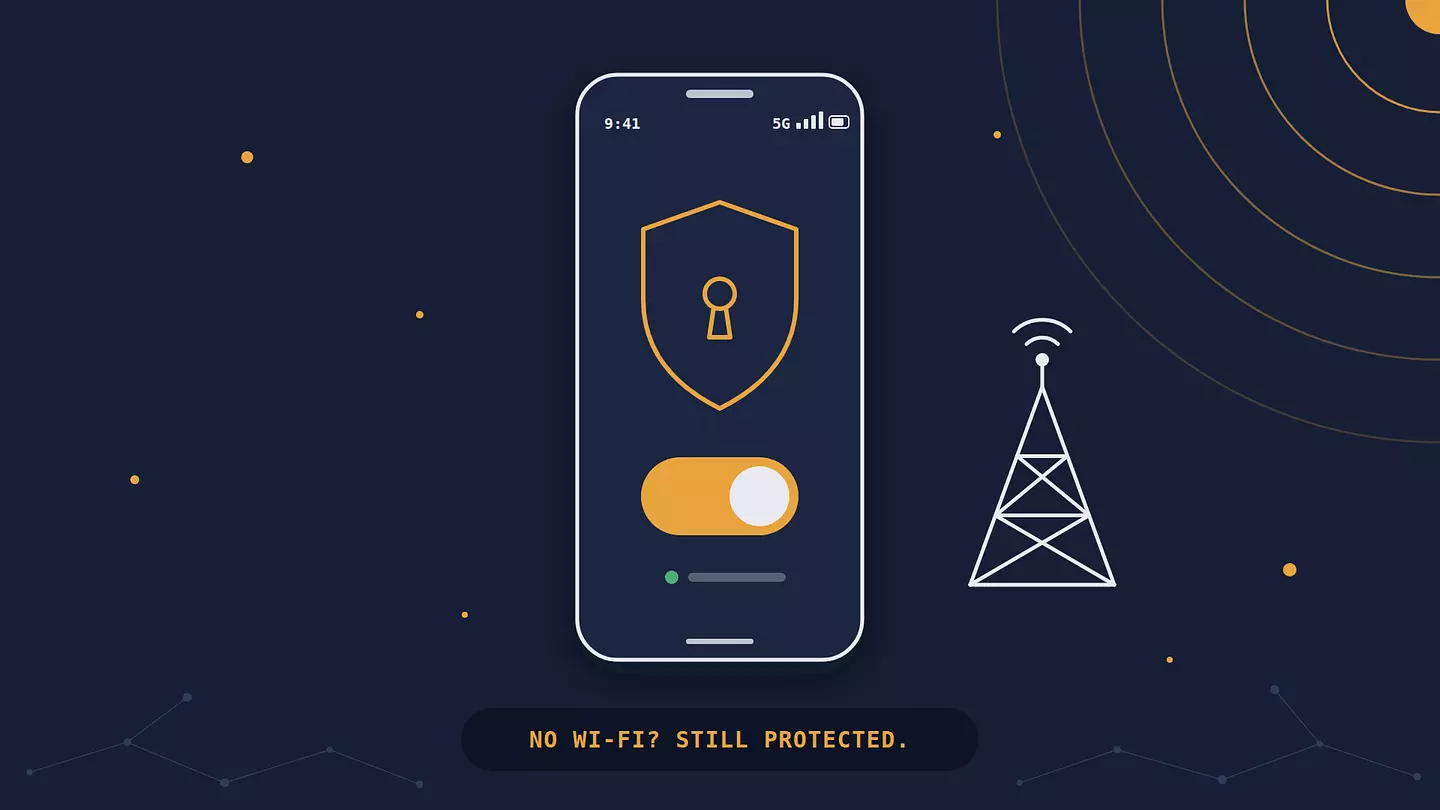
Yes, a VPN works on mobile data. It needs an internet connection, not Wi-Fi specifically, so it runs on 4G and 5G with the same VPN encryption it uses over Wi-Fi.
The trade-offs are small but real: a few percent more data, some extra battery drain, and possibly slower speeds if you pick a faraway server. It won't give you free data or get you around your plan's limits.
How a VPN works without Wi-Fi
A VPN doesn't care how your phone reaches the internet. On Wi-Fi, mobile data, or a cable, it does the same job: it encrypts your traffic on the phone and sends it through an encrypted tunnel to the VPN's server, which passes it on to the sites and apps you use.
On mobile data, the path goes phone → cell tower → your carrier's network → VPN server → the internet. Your carrier still carries every byte, but inside the tunnel it can't read where the traffic is going.
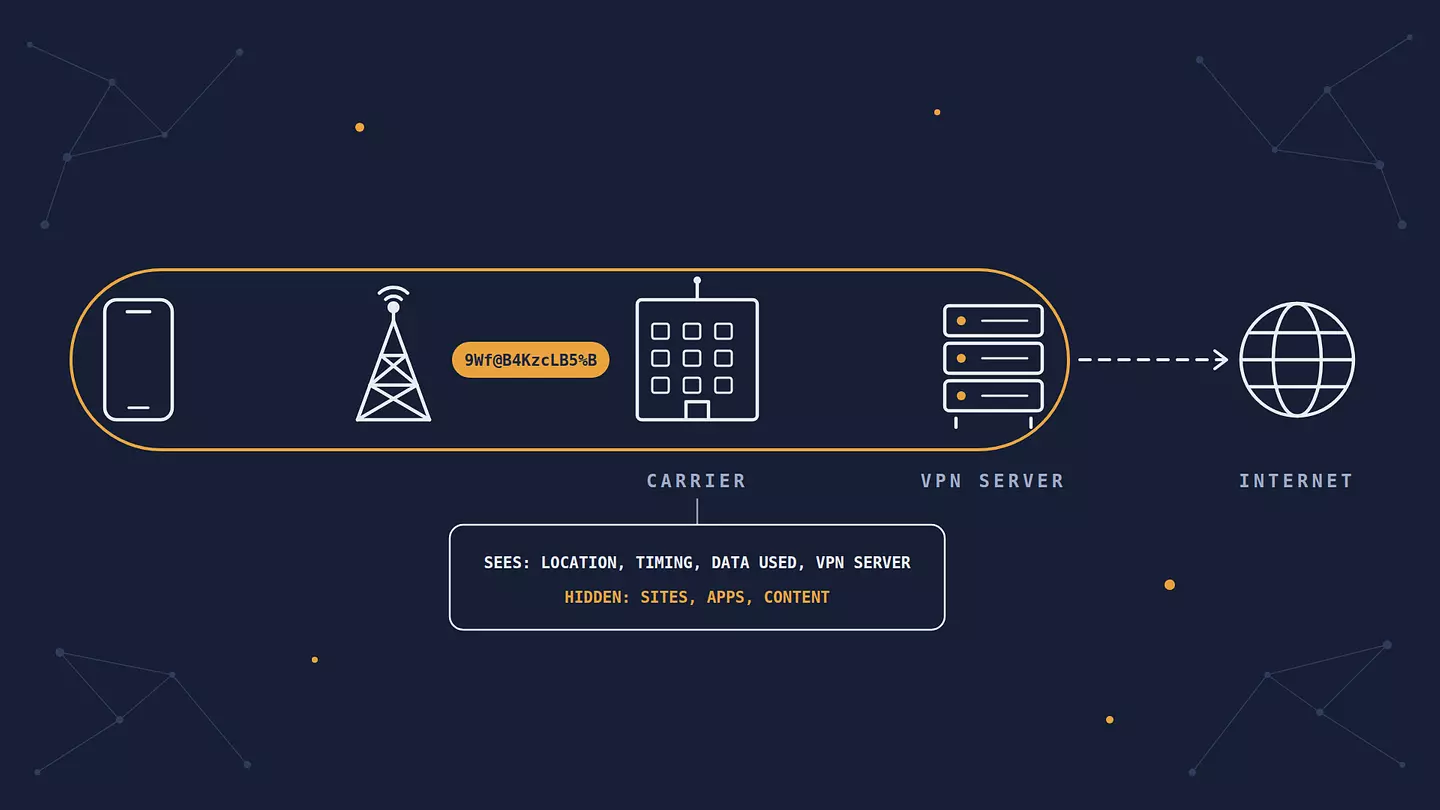
Here's what that changes for your carrier:
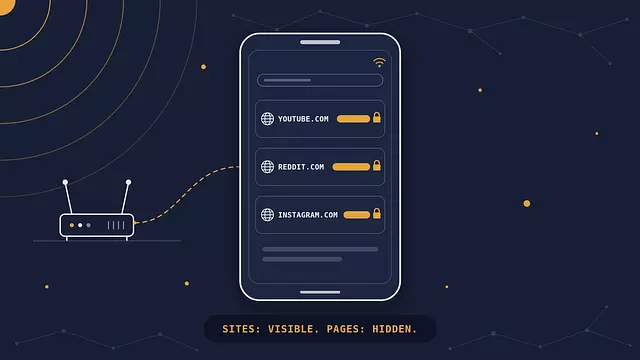
Without a VPN, it can usually see which domains you visit (youtube.com, reddit.com), when, and how much data each one uses, the same way the owner of a Wi-Fi network can.
With a VPN, it sees one encrypted connection to the VPN server, how much data goes through it, and when.
Either way, it knows roughly where you are, because your phone connects to its cell towers. A VPN doesn't change that.
That last point isn't hypothetical. In 2024, the FCC fined AT&T, Verizon, T-Mobile, and Sprint nearly $200 million combined for sharing customers' location data without consent.
Do you need a VPN on mobile data?
Not as urgently as on public Wi-Fi. Mobile data already avoids the biggest public Wi-Fi risks: the radio link between your phone and the tower is encrypted, and you're not sharing a network with strangers at the next table. The risks that make a VPN worth using on public Wi-Fi, like someone snooping on the same network, mostly don't apply.
A VPN still earns its place on mobile data if:
You don't want your carrier to have a list of the sites and apps you use.
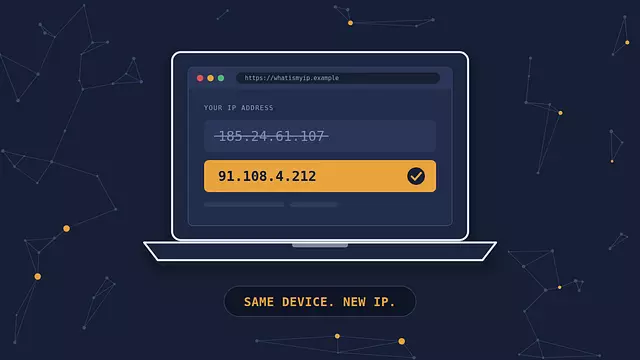
You'd rather the sites and apps you use didn't see your real IP address, which can reveal your approximate location and carrier.
You're traveling and want your usual services to work, or you're in a country where they're blocked.
You keep switching between Wi-Fi and mobile data and want protection that doesn't depend on which network you're on.
If none of that matters to you, it's fine to leave the VPN off on mobile data and turn it on for public Wi-Fi. Just know what you're trading.
How much data does a VPN use?
With a modern protocol like WireGuard, the packet overhead alone adds roughly 4-6% to video and downloads, and somewhat more to chatty traffic like messaging. Older or disguised protocols add more. Real numbers vary with the app and the network. A VPN doesn't compress anything or save data. It only adds a little.
The extra comes from packaging. Everything you send or receive travels in small packets, and a VPN wraps each one in its own envelope, with headers that say where the packet goes and a tag that proves it hasn't been tampered with. With WireGuard, that envelope adds 60 bytes to each packet over IPv4 and 80 bytes over IPv6. A full-size packet carries about 1,400 bytes of your data, so the overhead works out to around 4-6%. Small packets, like the ones in messaging or light browsing, carry the same envelope around less data, so the percentage is higher. Video and large downloads use full-size packets, so they sit at the low end.
Here's what that looks like in practice, using Netflix's own figures for data per hour:
One hour of Netflix | Data without a VPN | Extra with a VPN (about 4-6%) |
|---|---|---|
Low quality | up to 0.3 GB | about 12-18 MB |
Standard definition | up to 1 GB | about 40-60 MB |
High definition | up to 3 GB | about 120-180 MB |
Unless you're close to your monthly limit, you won't notice the difference.
Which protocols use less data
Your VPN's protocol decides how big that envelope is. WireGuard and IKEv2 are among the lightest and handle mobile networks well. OpenVPN adds more, especially in TCP mode. Obfuscated or "stealth" modes, which disguise VPN traffic so networks that block VPNs can't spot it, usually add the most. Our guide to VPN protocols compares them in more detail.
Can a VPN save data or get around your data cap?
No. Every byte still travels over your carrier's network, and a VPN can't make any of it disappear from your plan. There's no setting that turns a VPN into free data.
In fact, a VPN can make you use up your allowance faster, in a way almost nobody mentions. Many plans don't count certain apps against your data. This is called zero-rating: "unlimited social media" or "messaging doesn't count" deals, for example. Your carrier usually recognizes that traffic by where it's going. With a VPN on, it can't see where anything is going, so that traffic may start counting too. If your plan has free apps and your VPN app offers split tunneling (a setting that lets chosen apps skip the VPN), exclude them there. If it doesn't, switch the VPN off while you use them, or accept that they'll now eat into your data.
Throttling is a mixed picture. If your carrier slows down specific traffic, like video, by recognizing it, a VPN hides what the traffic is and can get around that. If it slows your whole connection after you pass a limit, a VPN changes nothing. Some networks also slow down or block VPN traffic itself.
Does a VPN drain your battery?
A little. Your phone has to encrypt and decrypt everything, and keeping the tunnel alive can wake the mobile radio a bit more often. With WireGuard or IKEv2 on a decent signal, most people don't notice. It gets worse with heavier protocols, a weak signal (where your phone is already working hard), or an app that keeps reconnecting.
Don't guess. Your phone can show you: on Android, check Settings > Battery > Battery usage, and on iPhone, Settings > Battery. If your VPN app is near the top of the list, update it first. If the app lets you choose a protocol, a lighter one like WireGuard or IKEv2 usually helps too.
Will a VPN slow down your mobile data?
Usually not by much, and distance matters more than encryption. Your traffic now takes a detour through the VPN server, so a server in the next city adds very little, while one on another continent can add a noticeable delay. For everyday use, pick the nearest server or let the app choose. If you're gaming or on video calls and the lag bothers you, our guide on how to lower ping covers what else affects it.
A weak signal slows everything down with or without a VPN, and a VPN won't fix that.
Switching between Wi-Fi and mobile data
When your phone jumps from Wi-Fi to mobile data, say, as you walk out of your house, the VPN connection has to move to the new network too. Good VPN apps do this in a second or two. During that gap, though, some traffic can go out without the tunnel.
On Android, you can close the gap. Go to Settings > Network & internet > VPN, tap the gear next to your VPN app, and turn on "Always-on VPN" and "Block connections without VPN". Your phone then won't send anything outside the tunnel. The exact names vary by phone maker, and not every VPN app supports them.
iPhone has no system-wide switch for this. Check whether your VPN app has a kill switch (a setting that cuts your connection whenever the VPN drops) or an option to connect automatically.
After switching networks, a quick check that your VPN is still working confirms your traffic is actually going through it.
Does a VPN work on a hotspot?
It protects your phone, but don't assume it protects the devices connected to your phone's hotspot. That depends on both the phone and the VPN app, and on many phones, traffic from a tethered laptop goes straight out over mobile data without passing through the VPN. If you want the laptop covered too, run a VPN on the laptop itself.
FAQ
Does a VPN work on 5G?
Yes. 5G is just a faster mobile connection, and a VPN treats it like any other. On a fast 5G connection, the VPN server's speed and distance become the limit more often than the network does.
Can my carrier see that I'm using a VPN?
Yes. It can see that your phone is connected to a VPN server, how much data you use, when, and, as always, roughly where you are. It can't see which sites or apps you use through it, or what you do there.
Does a VPN browser extension protect my whole phone?
No. An extension only covers traffic from that one browser. Your apps, and any other browser, go around it. To cover everything on your phone, use a VPN app. Browsec has an app for Android and one for iPhone and iPad, and both work on the free plan.
Should I leave the VPN on all the time on mobile data?
You can. With a modern protocol, the cost is a few percent more data and a small amount of battery. The one catch is zero-rated apps: exclude them with split tunneling if your app has it, or they'll start counting against your plan.
Does a VPN work with no signal?
No. A VPN needs a working internet connection underneath it. With no signal and no Wi-Fi, there's nothing for it to encrypt or send.
이 글 인용하기
Browsec. "Can You Use a VPN on Mobile Data?." Browsec Blog, 2026년 10월 02일, https://browsec.com/ko/blog/does-vpn-work-on-mobile-data.